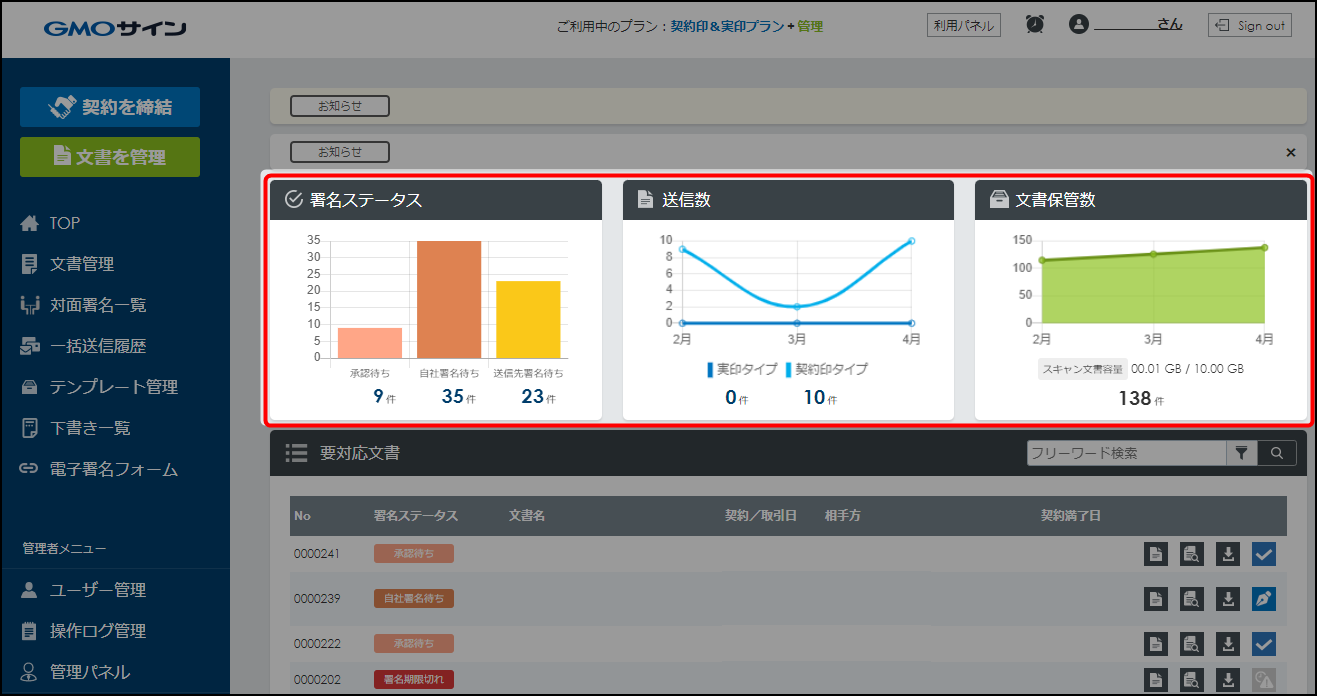
Data update timing for the top page graph area changed from 5 to 30 minutes
The refresh interval for graph data when returning to the top page has changed.

The refresh interval for graph data when returning to the top page has changed.

Settings in the article editor are now located in the sidebar.
Error messages on the deployment history page now include a link to a guide explaining how to integrate with GitHub.
You can now create internal links more easily using fragment links on scrap post timestamps.
Article OG images on Zenn now display information about the publication they are posted to.

You can now invite multiple members at the same time in microCMS.
You can now edit the name of a duplicated environment.
You can now transition directly to URLs configured in field descriptions on the content editing screen.

Public job listings on HRMOS job pages now split every 100 items when 101 or more exist, improving page loading speeds.
When syncing with a calendar, the timeline now records who created the event and its visibility setting.
The layout of the screen switching button and navigation links at the top of the HRMOS CORE screen has changed.
In HRMOS, the automatic import interval for applicant data from linked job media has been shortened.
Goal and evaluation sheet screens now feature a more compact layout and allow users to show or hide items.
You can now adjust the width of the sidebar in the management screen by dragging it.
You can now choose whether to display or hide the preview button in the screen preview settings.
In microCMS, you can now configure the timing of webhook notifications with greater granularity.
You can now maximize the rich editor frame when writing content in microCMS.
You can now set GET parameters in the API preview with less effort.
You can now adjust the order of content items one by one.
You can now select dates without specifying a time.