Email-based sign-up and login are now available on Zenn
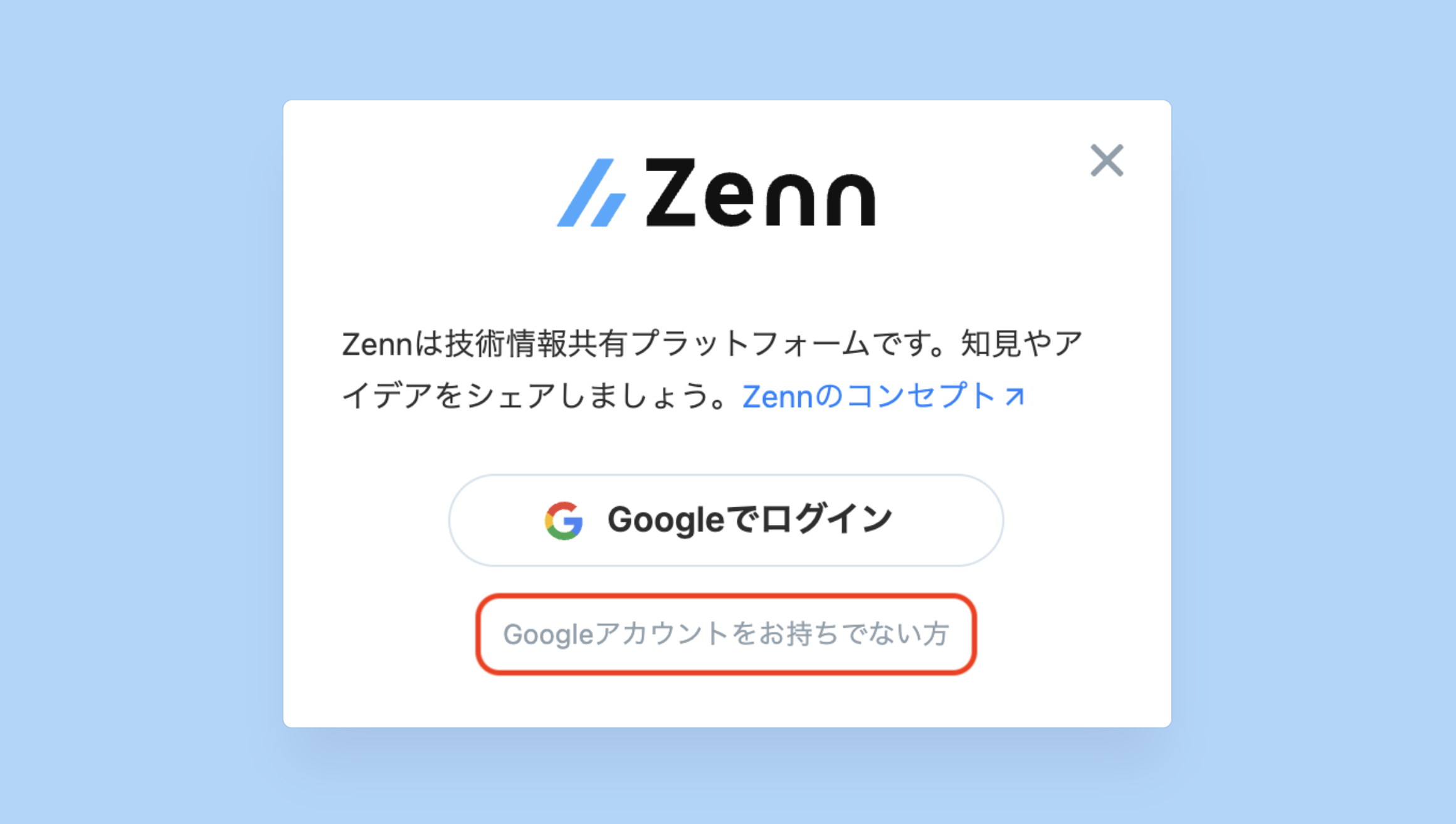
New users can now register and log in to Zenn using an email address in addition to a Google account.

New users can now register and log in to Zenn using an email address in addition to a Google account.
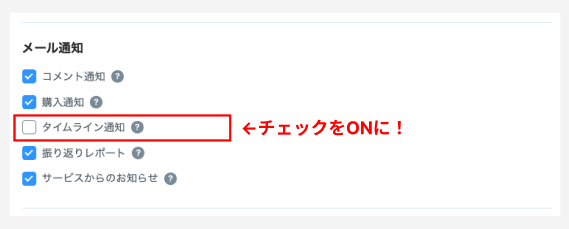
For Zenn users with all other notifications enabled, the email delivery setting for timeline notifications has been turned on.
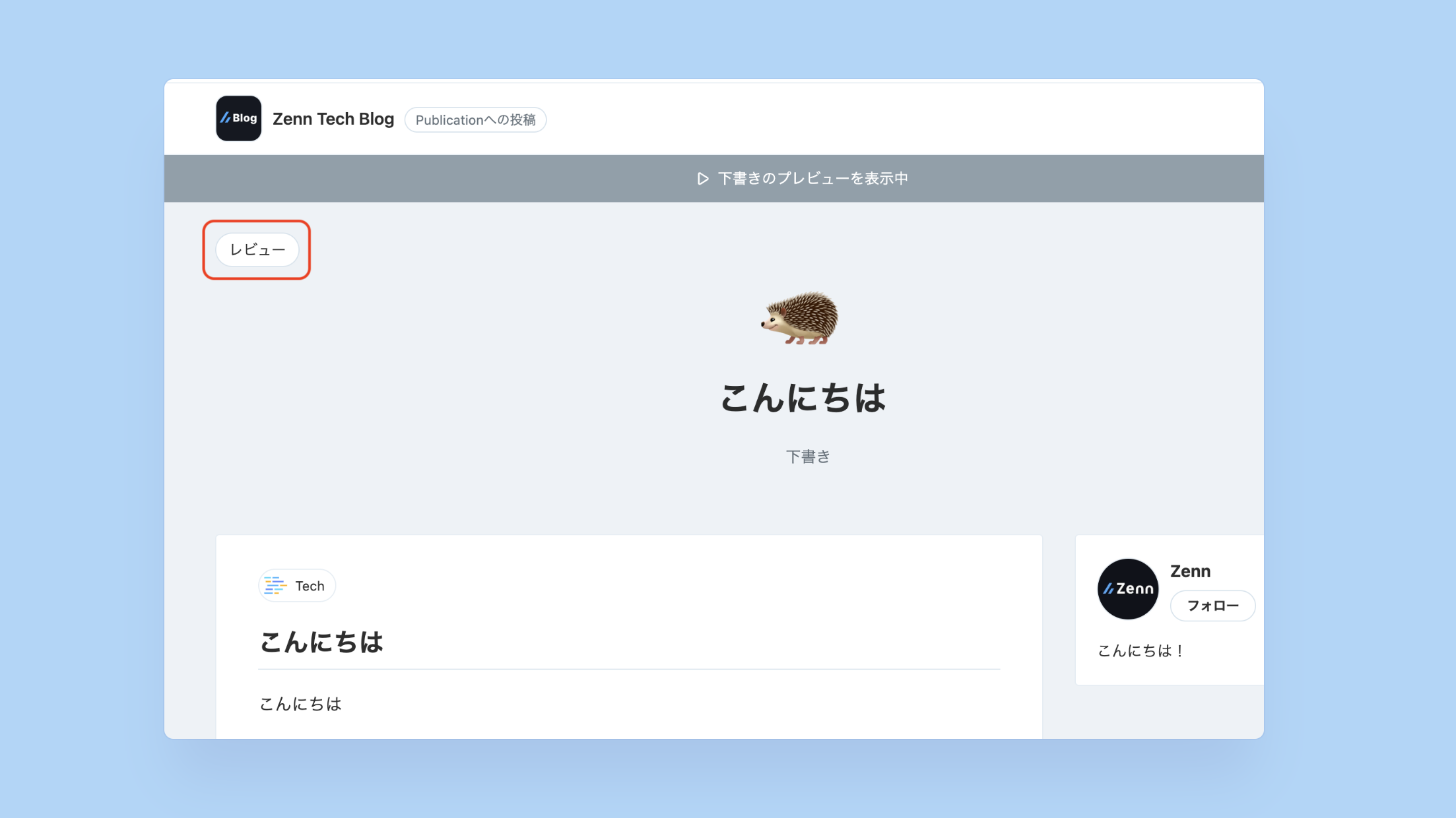
You can now navigate directly to the review screen from draft previews and published articles associated with Zenn Publications.
To help Zenn operate as an independent business, companies can now support the platform through sponsorships.
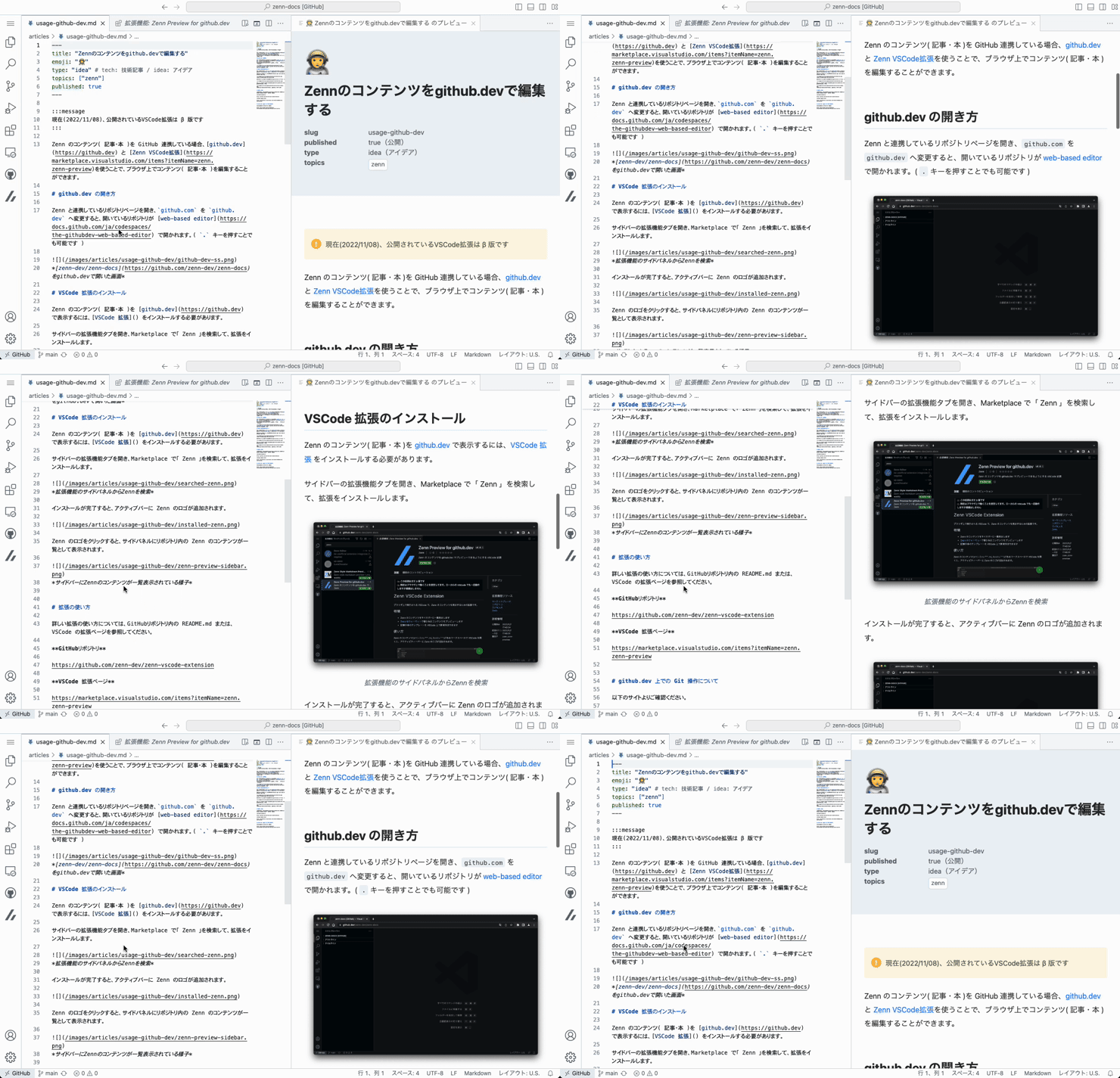
You can now automatically scroll the preview as you scroll through the editor in Zenn's VS Code Web extension.
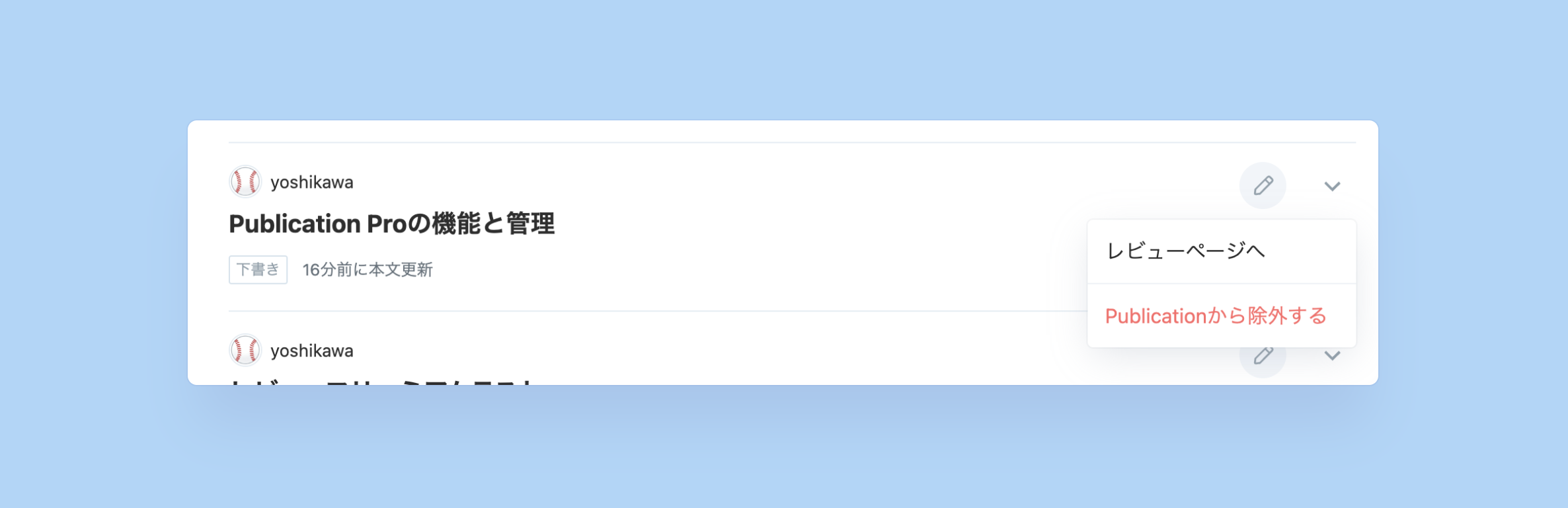
You can now try out the article review feature between members on the Publication Free plan.
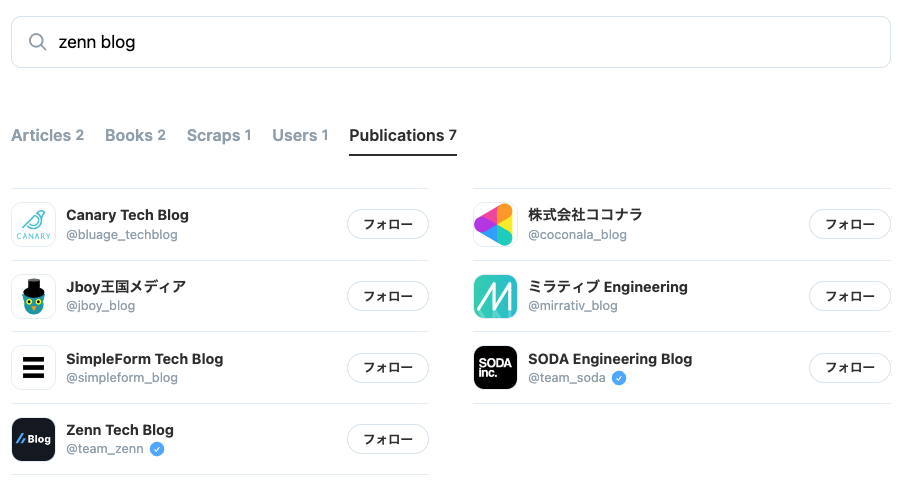
You can now find relevant publications by searching for keywords that match their names or descriptions.
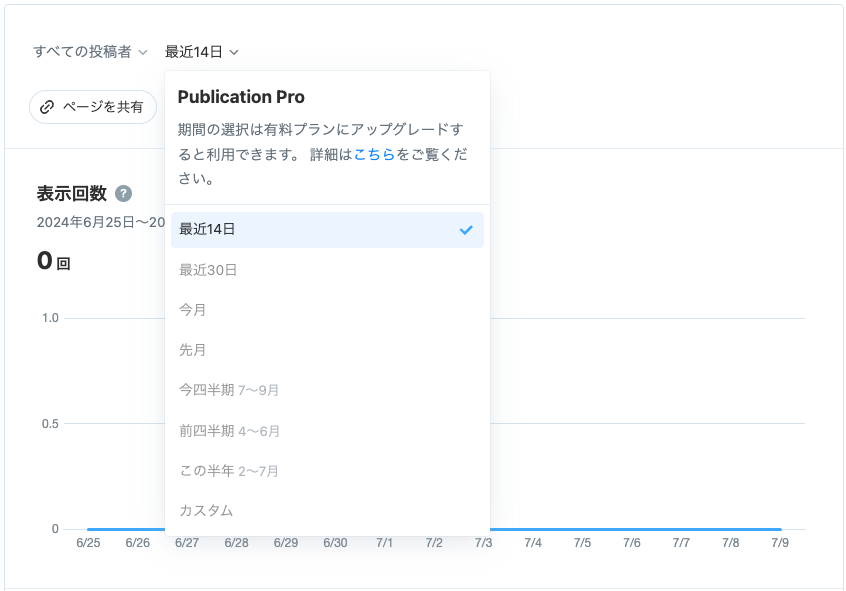
Users on Publication Free can now view analytics data for the past 14 days from the dashboard statistics menu.
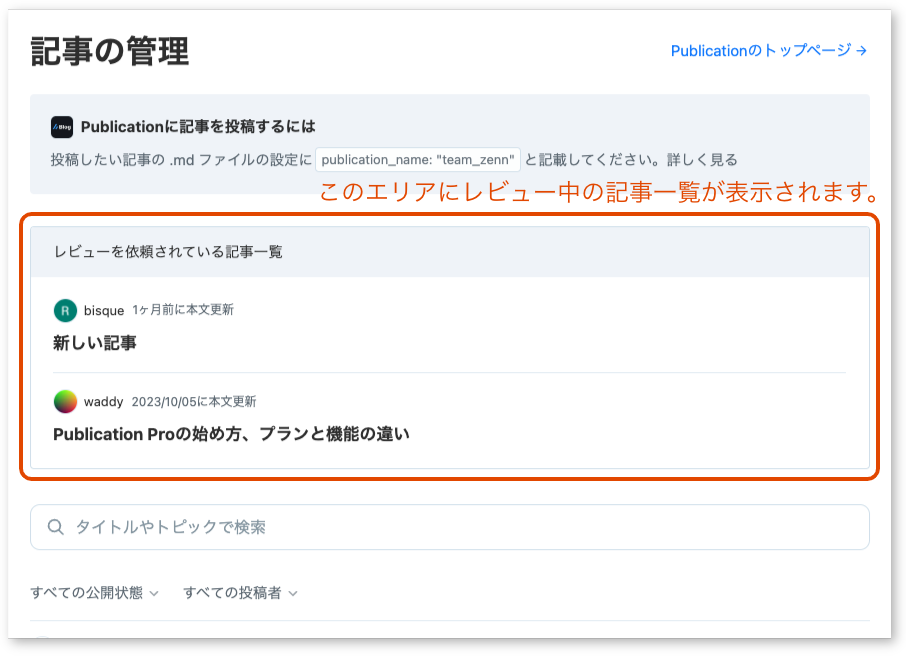
You can now quickly see articles requested for your review that are not yet completed on the Publication article list page.
The Publication Pro analytics dashboard has been renewed.
You can now view the follower count and the list of followers on the Publication top page.
You can now see the number of likes under the like button in the mobile header.
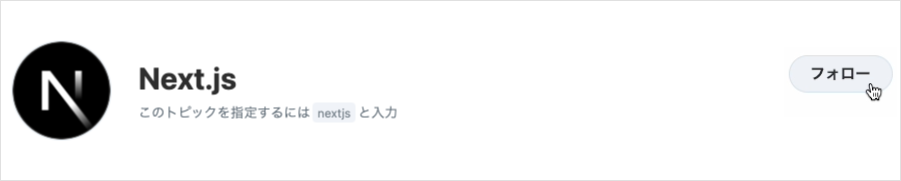
You can now follow topics and check new content tagged with them from the Following tab or via daily email notifications.
You can now read an article detailing how Levtech utilizes Zenn Publication.
You can now read about how SODA, which operates Sneaker Dunk, utilizes Publication.
You can now search all text within the Markdown editor for articles and book chapters using a keyboard shortcut.
You can now receive daily morning email updates summarizing new articles and books from users and Publications you follow on Zenn.
You can now switch the view count graph by member in the Publication Pro analytics dashboard to analyze individual traffic.
You can now use emoji autocompletion when writing articles and comments in the Markdown editor.
The text area for Scraps and article comments now uses the same Markdown editor as articles and books.