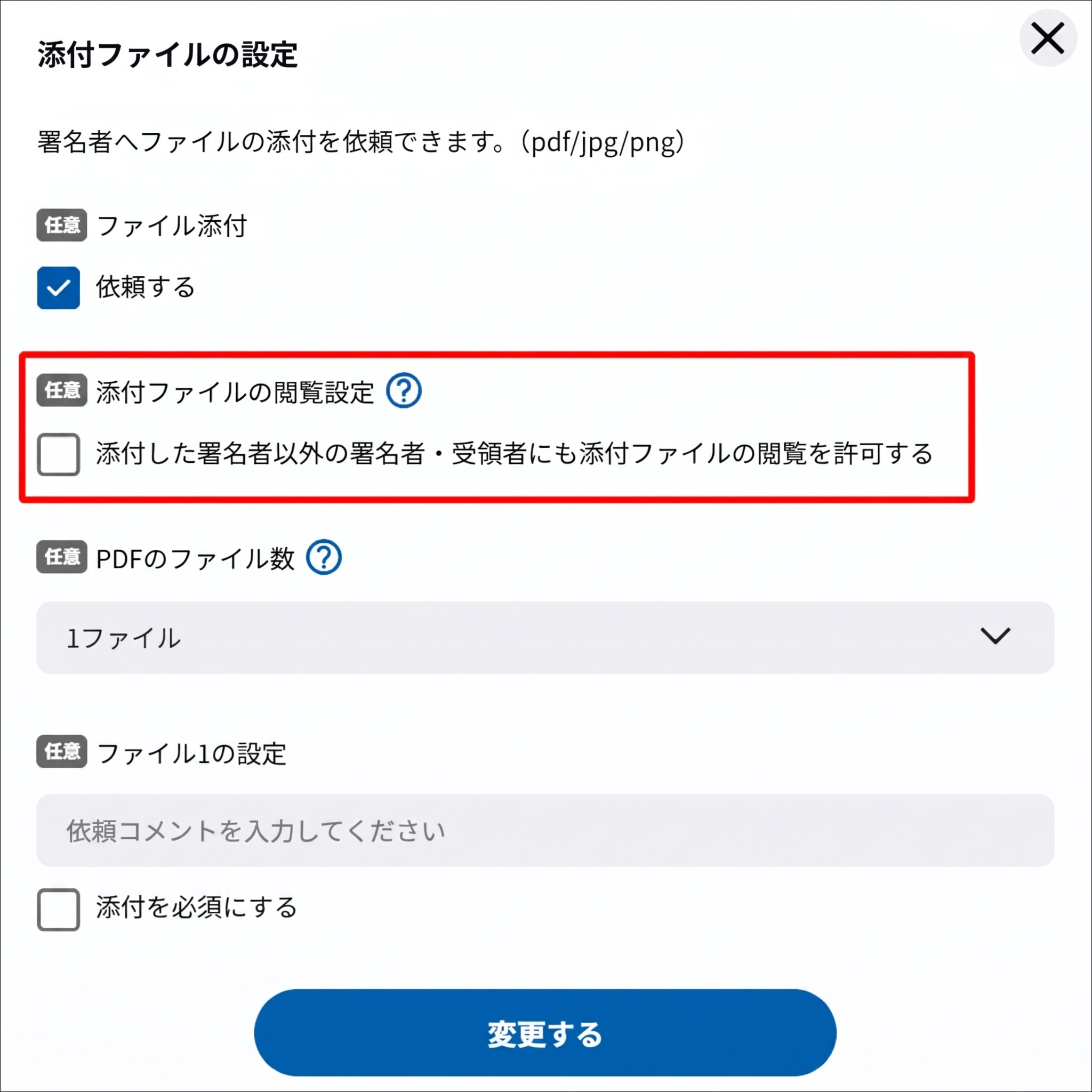
Signer attachments become documents and allow subsequent signers to review and sign
In GMO Sign Ver.2, files attached by signers become documents so subsequent signers can also view them and apply digital signatures.
 GMO SignNew
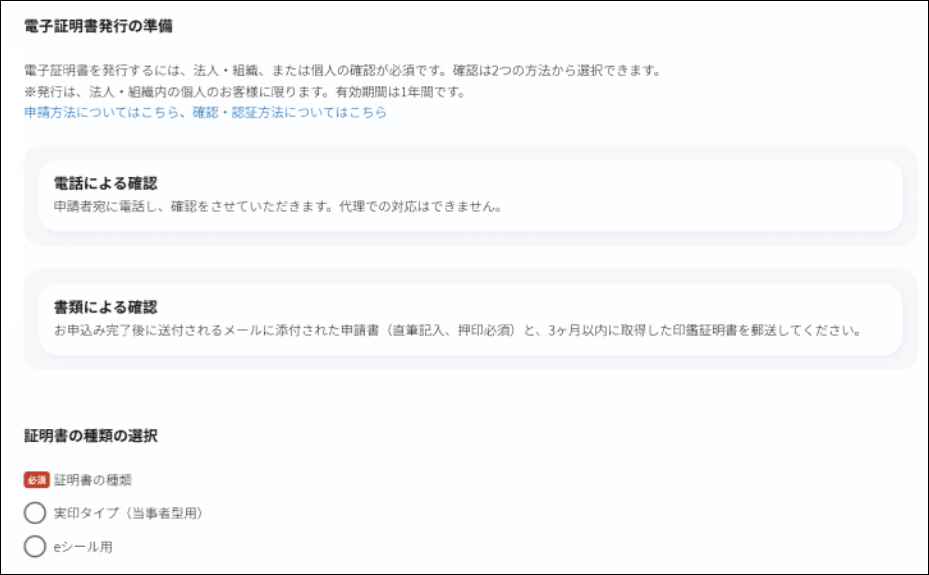
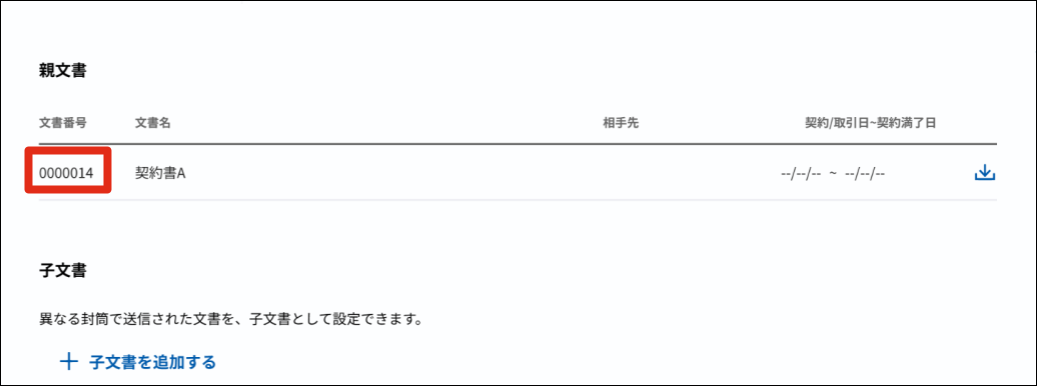
You can now sign documents under an organization name using e-seals, view contract plans, and navigate between related documents.
管理者メニュー>ユーザー管理マイページ文書詳細画面


This summary is independently created by Release Radar and is not an official announcement from the vendor. Please read the official page for accurate details.
In GMO Sign Ver.2, files attached by signers become documents so subsequent signers can also view them and apply digital signatures.
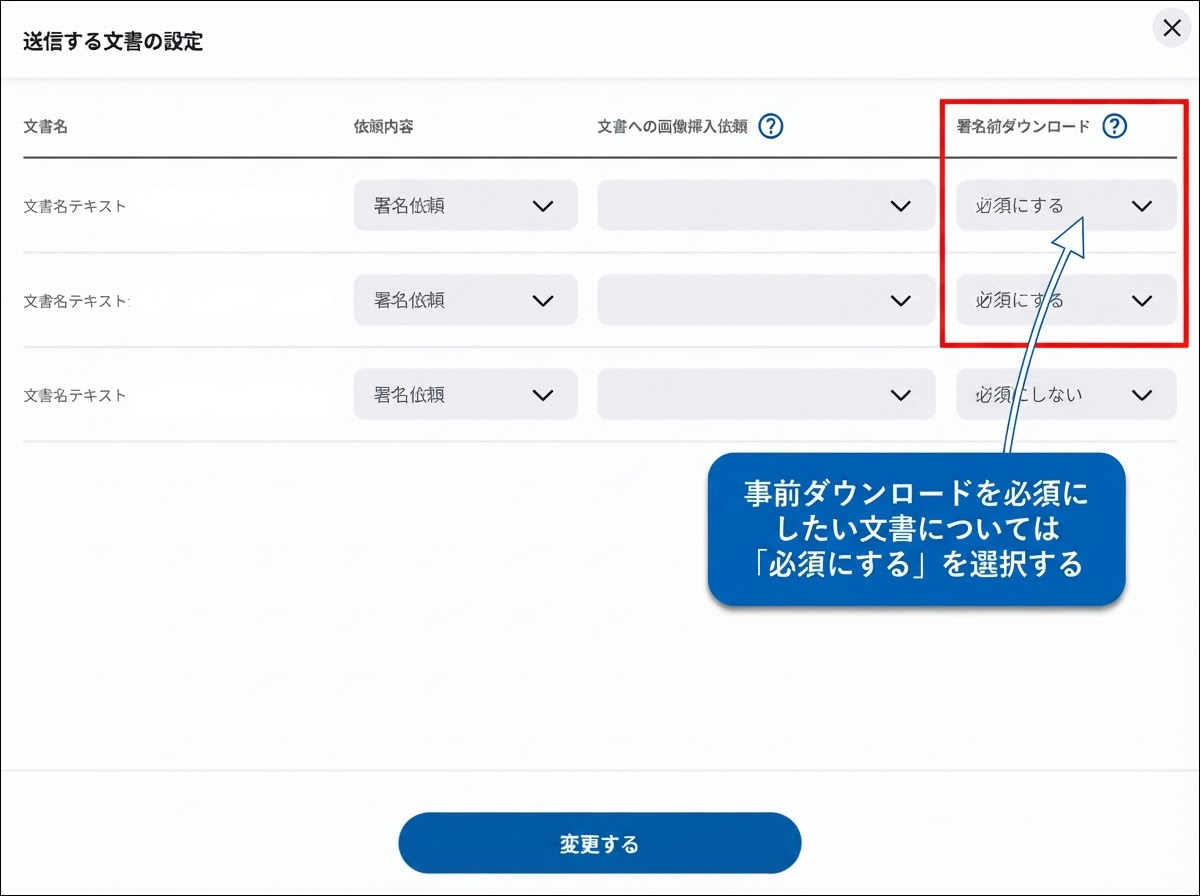
You can now use multiple new features in GMO Sign, such as automatic timestamp renewal and expanded Webhook destination limits.
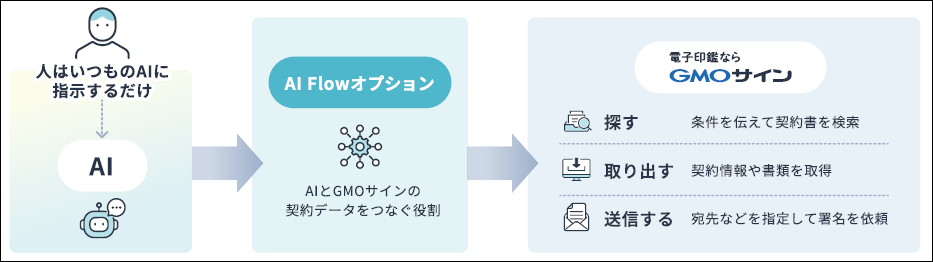
You can now access GMO Sign contract data and request signatures through generative AI using natural language prompts via MCP.