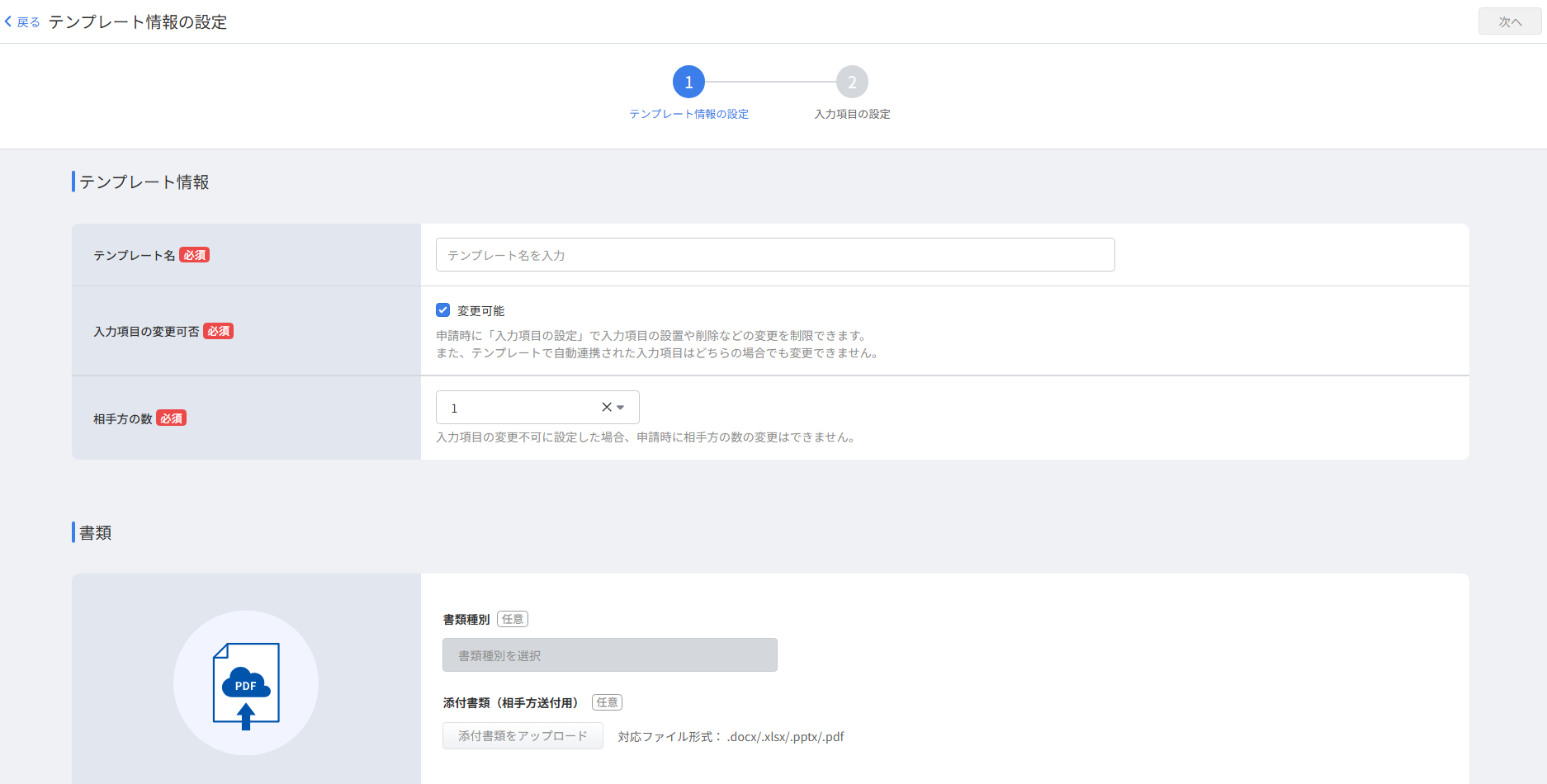
You can now duplicate contract templates in the redesigned template screen
You can now duplicate existing templates and use the redesigned template creation and editing screens in Money Forward Cloud Contract.
 Money Forward CloudImproved
Administrators can now check their registered name and switch to My Page directly from the header.
給与担当者用画面その他業務マイページアカウント管理ユーザー設定ご利用履歴振込申請履歴


This summary is independently created by Release Radar and is not an official announcement from the vendor. Please read the official page for accurate details.
You can now duplicate existing templates and use the redesigned template creation and editing screens in Money Forward Cloud Contract.
Money Forward Cloud Accounting and Tax Return automatically switches the linked service name from JA Kenoh Aikawa to JA Atsugi.
You can now link Moka Shinkumi personal accounts via API to retrieve transaction details in Money Forward Cloud Expense.