You can now choose what content to display on the profile Overview tab
You can now select which content appears in Highlights and Timeline on your profile Overview tab.
 ZennImproved
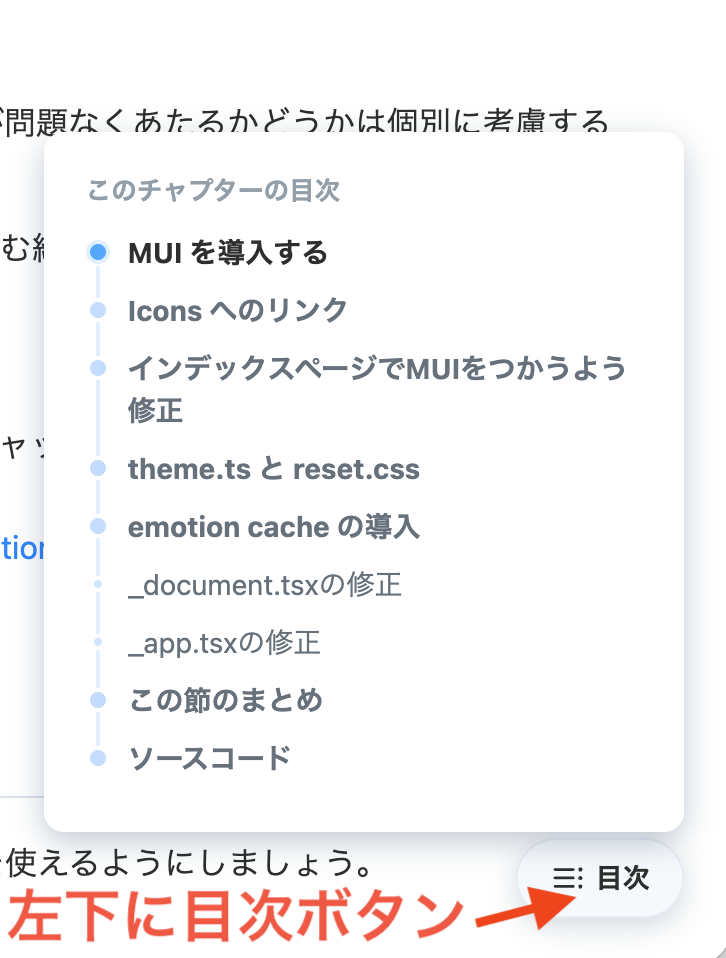
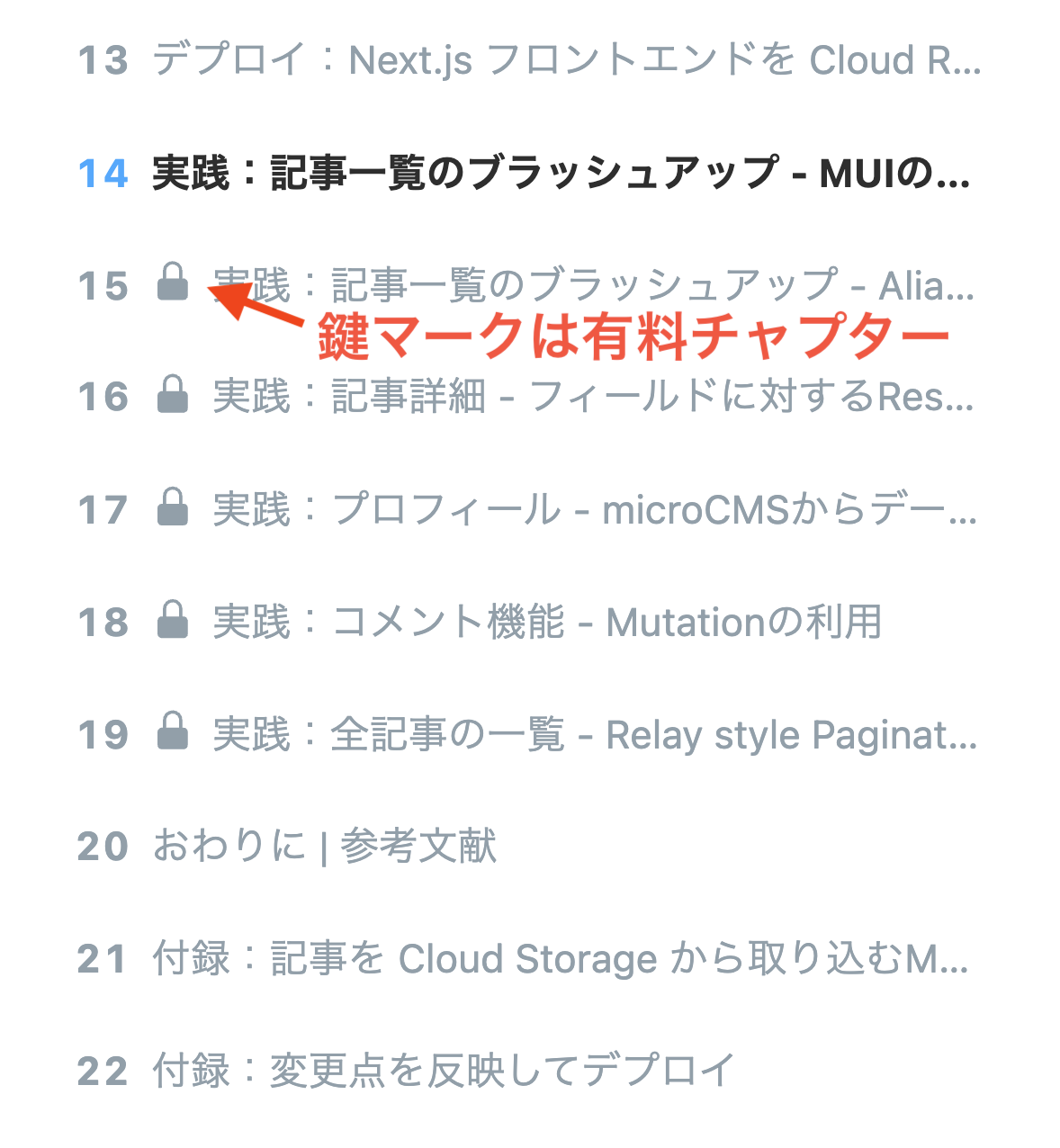
You can now access the table of contents at any time while reading a Book and distinguish paid chapters visually.
Book詳細ページビューア
This summary is independently created by Release Radar and is not an official announcement from the vendor. Please read the official page for accurate details.
You can now select which content appears in Highlights and Timeline on your profile Overview tab.
You can now use the Zenn Public API and post Scraps or upload images from local files using the Zenn CLI.
On Publication Connect articles, readers can now send private questions or talk directly with authors via web meetings.