You can now retrieve V Furusato Nozei details in Money Forward Cloud Expense
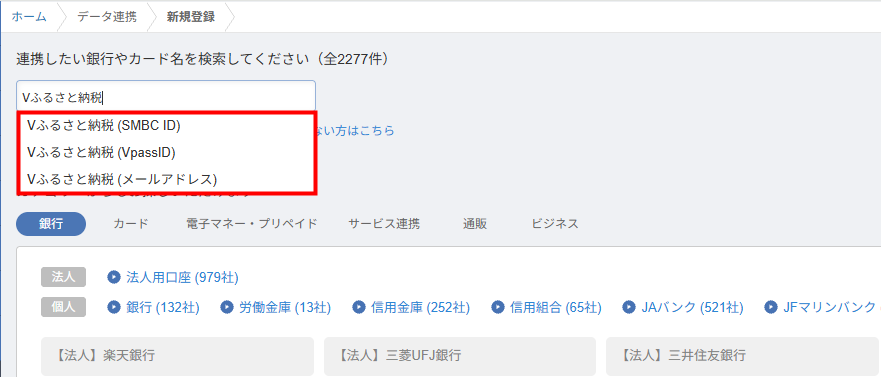
You can now link data with V Furusato Nozei accounts that use designated login methods.
 Money Forward CloudImproved
You can now manually update unresolved alerts by opening the Daily Attendance screen or clicking the update button.
日次勤怠上長メニュー>勤怠確認アラート更新


This summary is independently created by Release Radar and is not an official announcement from the vendor. Please read the official page for accurate details.
You can now link data with V Furusato Nozei accounts that use designated login methods.
Users of Money Forward Cloud Accounting can now import transaction statements from supported V Furusato Nozei accounts.
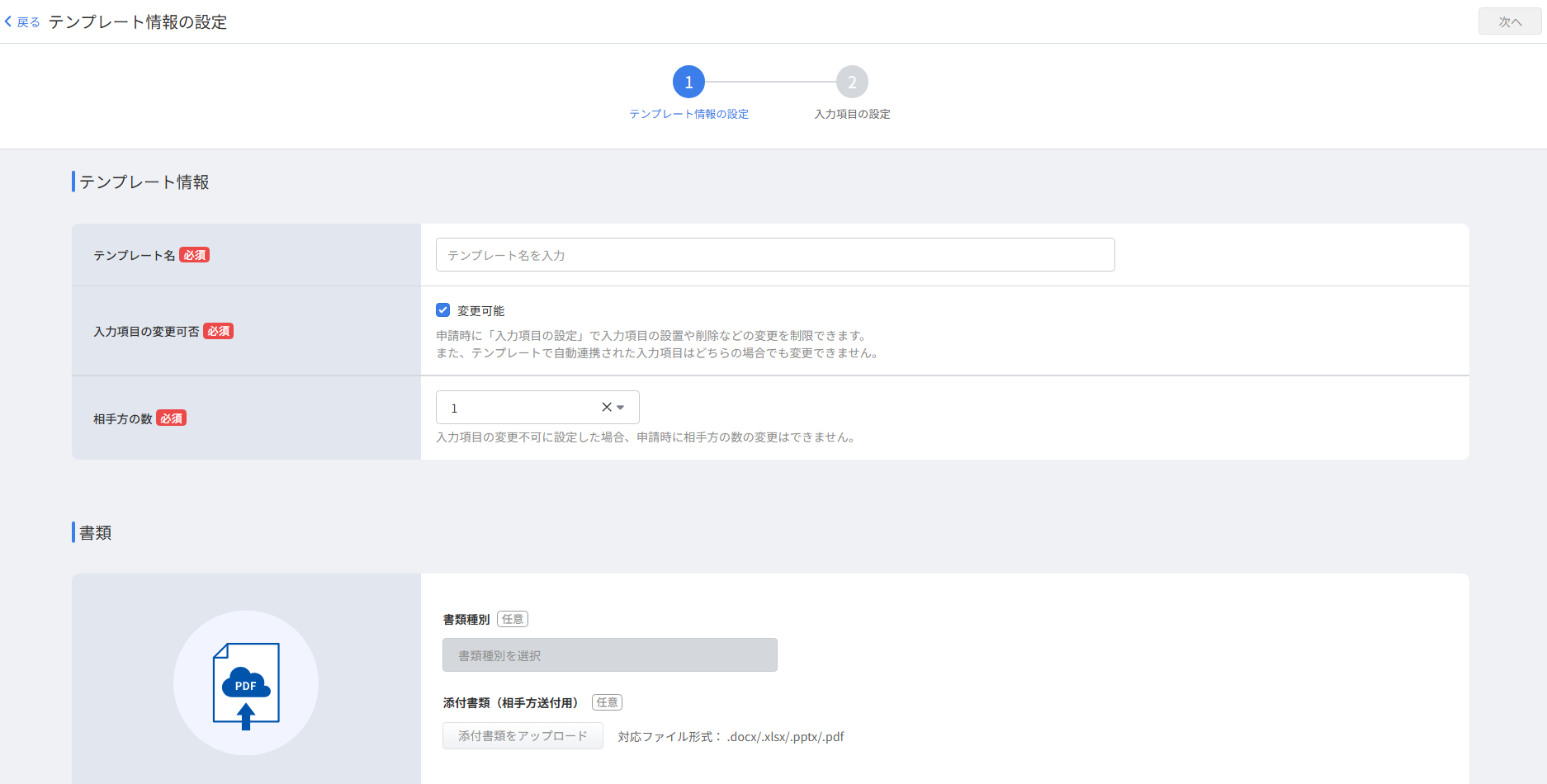
You can now duplicate existing templates and use the redesigned template creation and editing screens in Money Forward Cloud Contract.