Linked service name change in Cloud Accounting and Tax Return for JA Kenoh Aikawa merger
Money Forward Cloud Accounting and Tax Return automatically switches the linked service name from JA Kenoh Aikawa to JA Atsugi.
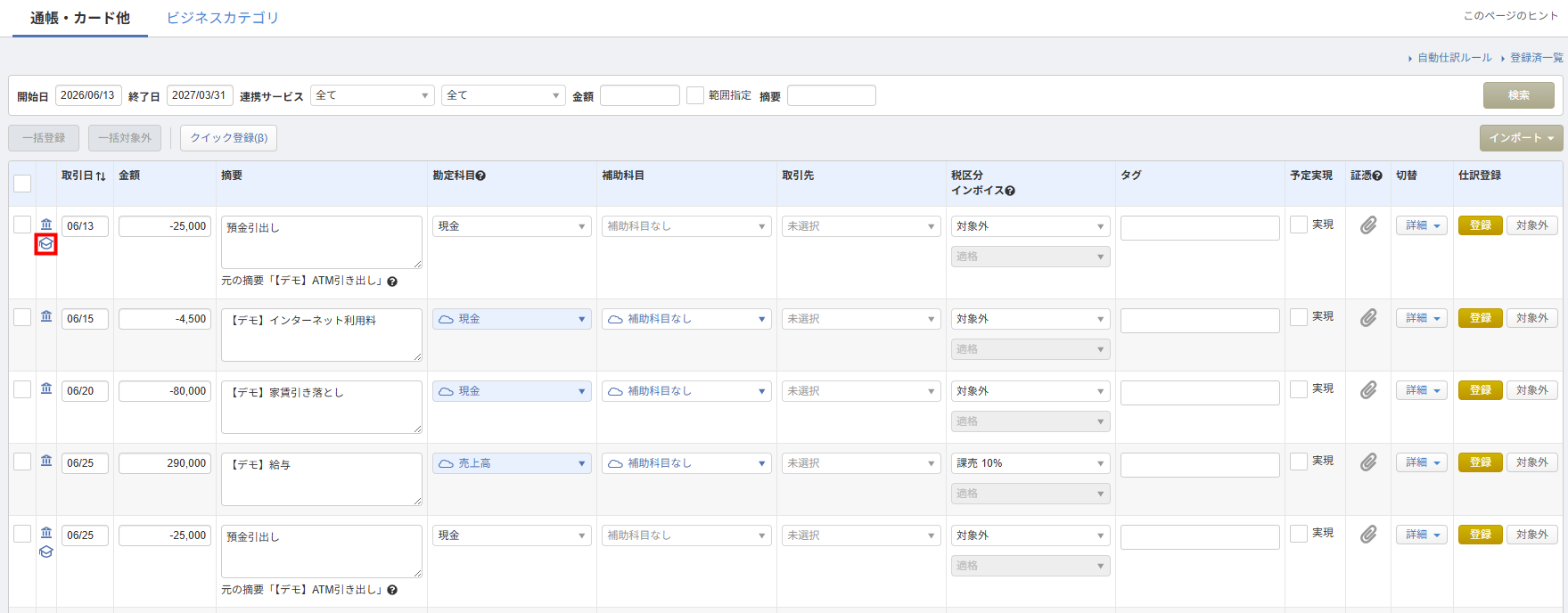
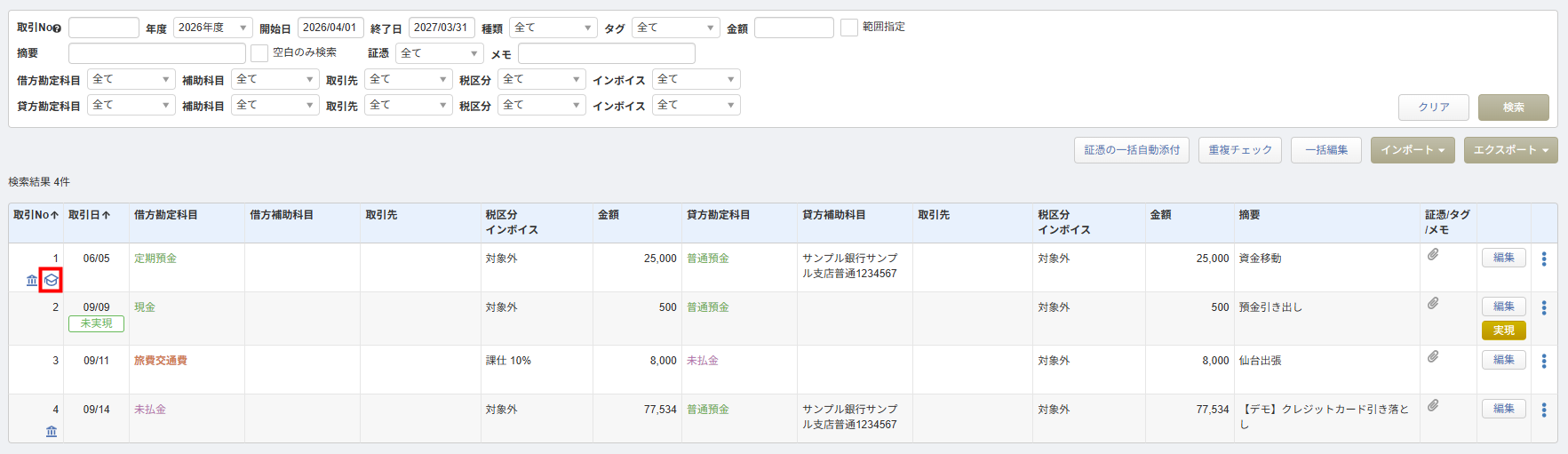
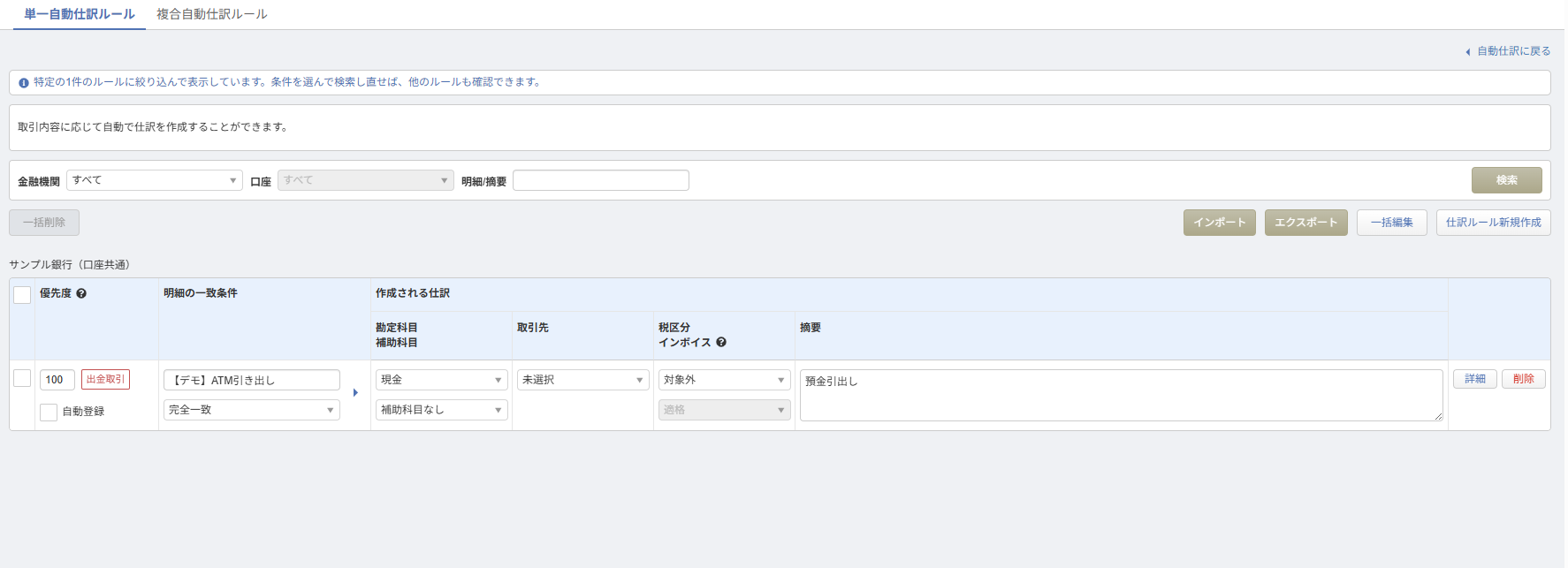
Money Forward Cloud Accounting now allows you to navigate directly from journal entries to view their applied automatic rules.
連携サービスから入力仕訳帳自動仕訳ルール(通帳カード)
This summary is independently created by Release Radar and is not an official announcement from the vendor. Please read the official page for accurate details.

Money Forward Cloud Accounting and Tax Return automatically switches the linked service name from JA Kenoh Aikawa to JA Atsugi.
You can now link Moka Shinkumi personal accounts via API to retrieve transaction details in Money Forward Cloud Expense.
You can now import half-day attendance counts into Cloud Payroll and use them for salary and social insurance calculations.

