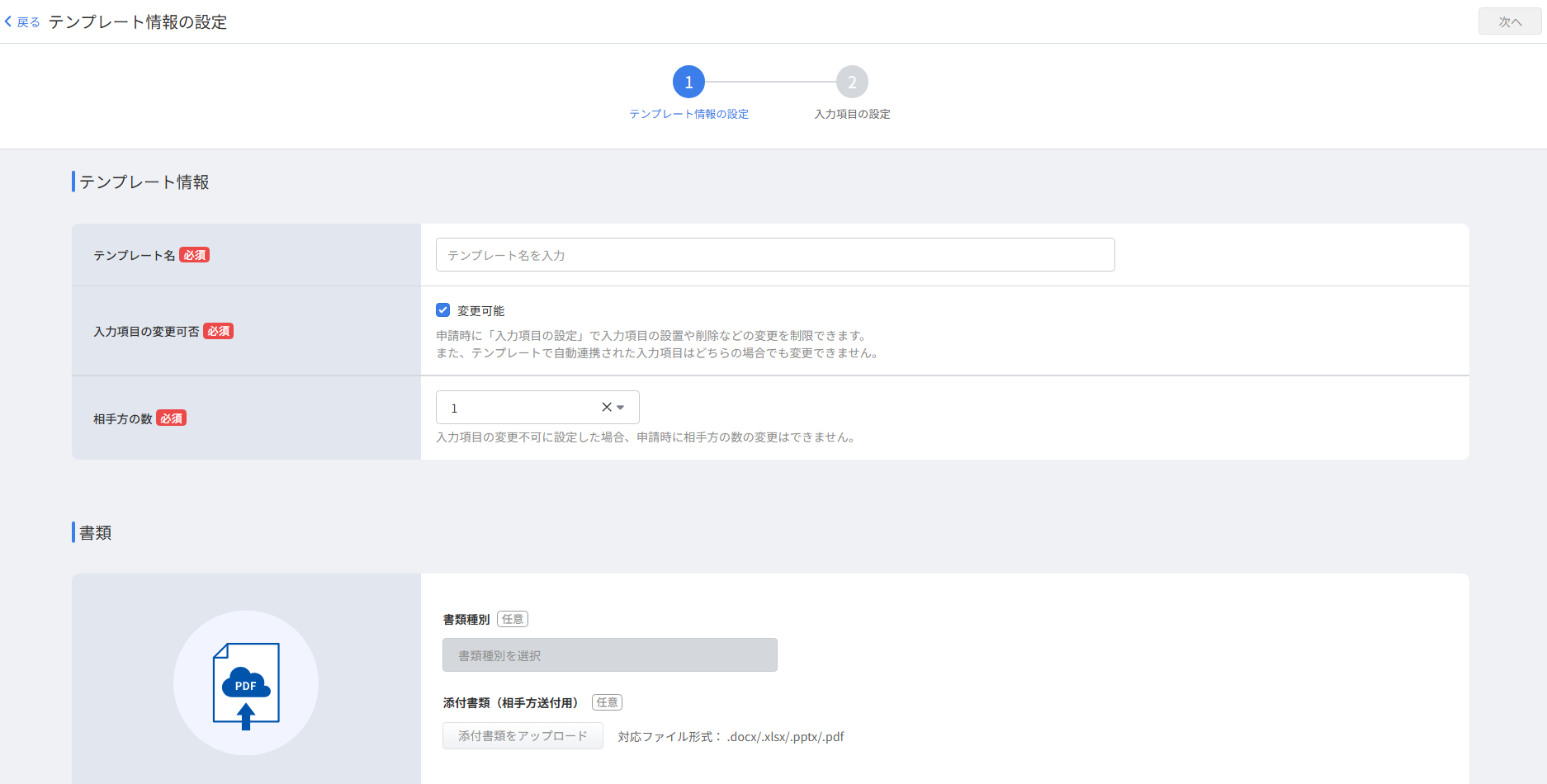
You can now duplicate contract templates in the redesigned template screen
You can now duplicate existing templates and use the redesigned template creation and editing screens in Money Forward Cloud Contract.
You can now create billing documents in bulk by uploading a CSV file containing transaction details in Money Forward Cloud Invoice.
見積書一覧納品書一覧請求書一覧サンプルCSVサンプルCSV(取引)CSV一括追加CSVアップロード(取引)


This summary is independently created by Release Radar and is not an official announcement from the vendor. Please read the official page for accurate details.

You can now duplicate existing templates and use the redesigned template creation and editing screens in Money Forward Cloud Contract.
Money Forward Cloud Accounting and Tax Return automatically switches the linked service name from JA Kenoh Aikawa to JA Atsugi.
You can now link Moka Shinkumi personal accounts via API to retrieve transaction details in Money Forward Cloud Expense.